 Clipcowork
Every long video has
a few great minutes.
Clipcowork finds them, frames the speaker in 9:16 and adds captions, so each clip is ready to post.
First video free · No credit card
One long video in. Clips out.
Upload the file, leave while it works, and come back to clips that are ready to post.
Upload one long video
A podcast, interview, webinar or meeting recording, as a file. Processing takes a few minutes for most videos.
It finds the moments
It reads the whole conversation and marks the stretches that stand on their own, 30 seconds to 2 minutes each.
8 moments found

You get vertical clips
Framed on the speaker and captioned, ready to post.
I nearly quit in year two
What the clips look like.
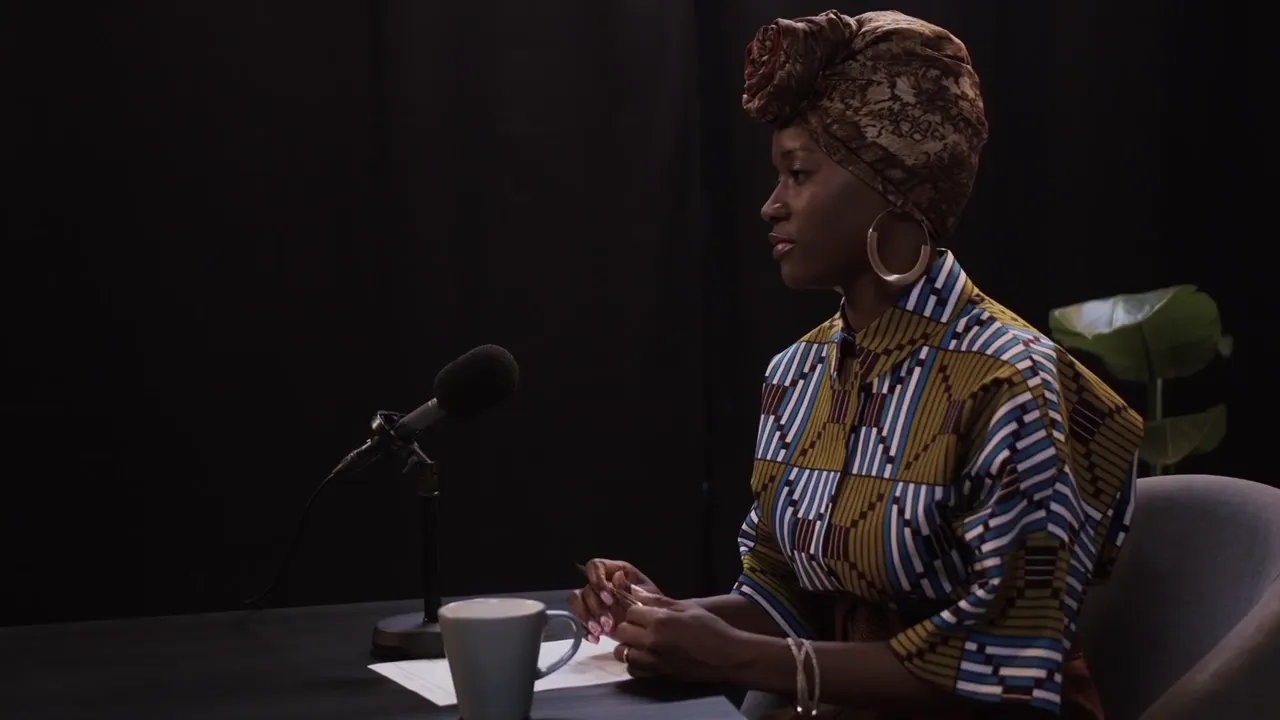
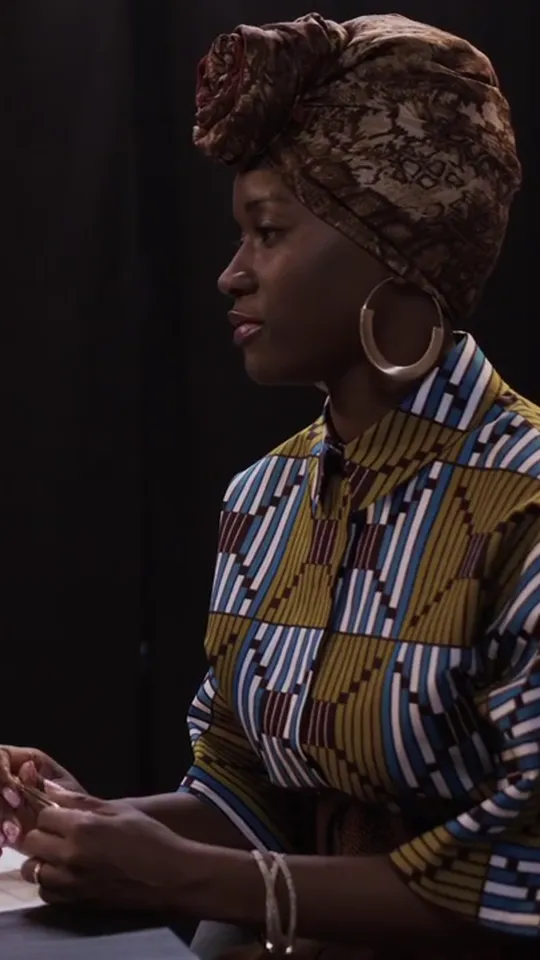
Podcasts, talking heads, vlogs and meetings, cut to 9:16 with captions. These examples use stock footage.
Or keep the whole video and cut the silences.
Dead air mode removes the pauses and returns one file in the original frame. It cuts silence only, so everything you said stays, in order.
6:32 shorter
42:10 down to 35:38 on the sample interview
Pay for the minutes you upload.
1 credit is 1 minute of video. Every video uses at least 30 credits. If a video fails, its credits are returned automatically.
Compare plansFree
$0
30 credits, once · up to 30 min of video
- Up to 3 clips per video
- Uploads up to 30 min and 1 GB
- Files kept 3 days
- 1 video at a time
Creator
$29a month
600 credits a month · up to 10 h of video
- Up to 10 clips per video
- Uploads up to 4 h and 10 GB
- Files kept 1 month
- 2 videos at a time
Studio
$149a month
4,500 credits a month · up to 75 h of video
- Up to 20 clips per video
- Uploads up to 6 h and 20 GB
- Files kept 3 months
- 10 videos at a time, priority queue
Monthly credits reset when your plan renews and do not roll over.
Questions
The short answers. Plan details are on the pricing page.
What kinds of video work best?
Anything where people talk: podcasts, interviews, webinars, talking-head videos and meeting recordings. Upload the video file itself (MP4, MOV, WebM or MKV); links from YouTube or other sites are not supported.
How long does it take?
A few minutes for most videos. Keep the tab open until the upload finishes; after that you can close it and come back later. While a Clipcowork tab is open, its title shows the progress and a notice in this browser can tell you when the clips are ready.
How are the clips chosen?
It reads the full transcript and picks stretches of 30 seconds to 2 minutes that make sense on their own.
How do credits work?
1 credit is 1 minute of video. Every video uses at least 30 credits. Monthly credits reset when your plan renews and do not roll over. If a video fails, its credits are returned automatically.
Does dead air mode remove filler words?
No. It cuts silences and returns the whole video as one file in its original frame. Words, including “um” and “uh”, stay exactly as they were said.
How long are my files kept?
3 days on Free, 1 month on Creator and 3 months on Studio. Download anything you want to keep before then.
How many clips do I get from one video?
Up to 3 on Free, 10 on Creator and 20 on Studio, depending on how much the video holds. Each clip runs 30 seconds to 2 minutes.
What platforms are the clips made for?
Every clip is a 1080×1920 vertical MP4, sized for TikTok, Instagram Reels and YouTube Shorts.
Do captions support other languages?
Yes. Choose the spoken language when you upload (English, Thai, Japanese, Korean, Chinese, Spanish, French, German or Portuguese), or leave it on auto.
Can I download clips without captions?
Yes. Turn captions off before you start and the clips come back clean. Clips never carry a watermark.
How is Clipcowork different from Opus Clip, Klap or Vizard?
All of them turn a long video into short vertical clips. Clipcowork adds a separate dead-air mode, your first video is free with no credit card, clips carry no watermark, and videos that fail are refunded automatically. Pricing is plain: 1 credit is 1 minute of video.
Is my video private?
Yes. Uploads go to private storage through short-lived signed links, and your videos and clips are visible only in your account. You can delete a video at any time, or write to clipcowork@gmail.com to remove your account and its data.
Start with a video you already have.
Your first video is free, up to 30 min long. Clips are ready in a few minutes.
No credit card