 Clipcowork
A podcast clip maker built for video episodes
One episode in. A week of vertical shorts out.
First video free · No credit card
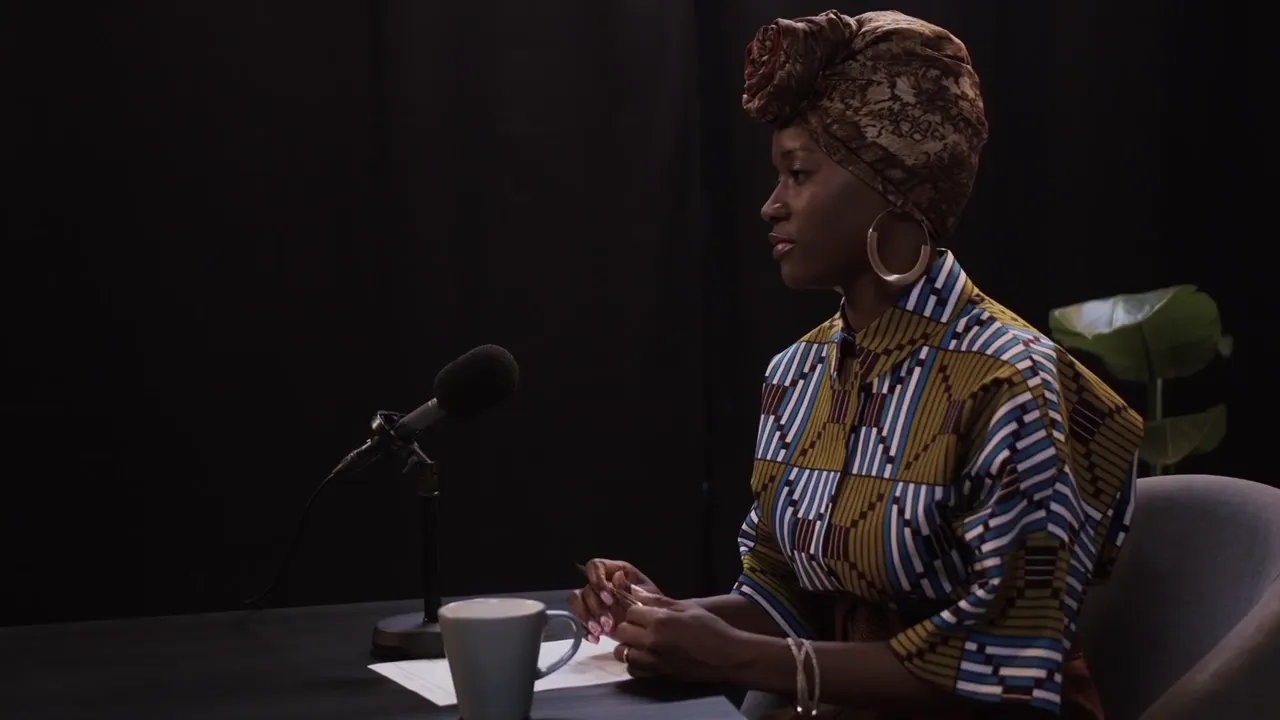
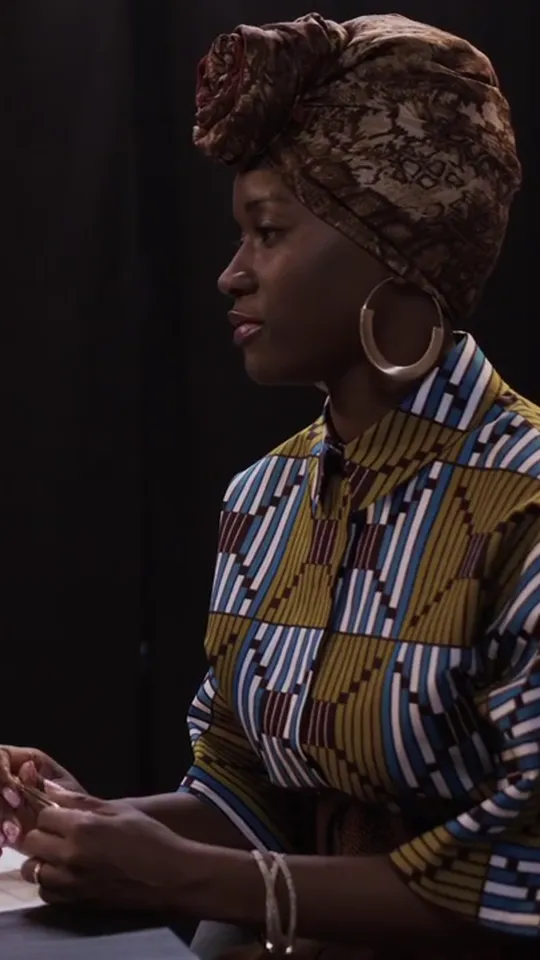
Your episode runs an hour. The clips inside it run forty seconds. This podcast clip maker takes one video upload and hands back a week of vertical shorts. The AI reads the whole episode, pulls the moments worth posting, reframes them to 9:16, and burns in captions. You get a shortlist, not a timeline to scrub. Built for video podcasts and recorded interviews — the kind you cut for TikTok, Reels, and Shorts.
Why creators clip their podcast here
The AI reads the whole episode
The model transcribes end to end, then ranks continuous 30-120 second windows by hook strength. It surfaces the lines worth posting — a shortlist, not raw footage.
Face-aware framing for host and guest
Reframing tracks faces as it crops to 9:16. A solo host stays centered; a two-person interview goes two-up so both speakers hold frame; screen-share moments split speaker and screen.
Word-level captions in 90+ languages
Captions burn in word by word in the language you recorded — Thai, Spanish, Japanese, whatever the episode is in. Prefer a clean cut? Toggle captions off before you process.
First video free, never a watermark
Your first video is free, no credit card. Every export is a clean 1080x1920 MP4 with no watermark, and system-failed jobs are auto-refunded. Credits are plain: 1 credit = 1 minute of source video.
Podcast to shorts, minus the timeline
Upload the video recording
Export the episode as MP4, MOV, or WebM and upload it — this is for video podcasts and recorded interviews, not audio-only files. Pick the spoken language for captions.
The AI picks the moments
You get a ranked shortlist — typically 5-8 clips from a 60-minute episode, up to 10 when the conversation runs dense. Every pick is one continuous window, so nothing inside a clip is spliced.
Each clip is reframed and captioned
Every clip is cropped to a vertical 9:16 frame with face-aware tracking, and word-level captions are burned in — in the language you recorded.
Download and post
Grab the vertical MP4s and post straight to TikTok, Instagram Reels, and YouTube Shorts. One export, every platform, no watermark.
Questions
Does it work with an audio-only podcast?
No. Clipcowork clips the video recording of your episode, so you need a file with picture — a video podcast, a recorded interview, or a filmed conversation exported as MP4, MOV, or WebM. An audio-only MP3 has nothing to reframe to vertical. If you film your show, upload that recording.
How many clips do I get from one episode?
Usually 5-8 from a 60-minute episode, and up to 10 when the conversation is dense with strong moments. You keep all of them — the shortlist is yours to trim down or post in full.
How long an episode can I upload?
Upload length scales with your plan — paid plans raise the maximum episode length you can send at once. If your show runs long, trim it down to the stretch you want before processing, right from the upload screen.
Do the clips include my intro or outro?
Only if they earn it. The AI ranks moments by how strong a hook they make, wherever they land in the episode — so a sharp cold open can get picked, but a standard 'welcome back, hit subscribe' intro usually won't. You get the substance, not the boilerplate.
What platforms are the clips sized for?
Every clip exports as a 1080x1920 vertical MP4 (H.264), built for TikTok, Instagram Reels, and YouTube Shorts. One vertical export covers all three.
Do the clips have the silence and dead air removed?
The clips themselves stay as continuous windows, so the pacing matches how it was said. Removing silence is a separate mode: deadair mode uses voice-activity detection to cut the quiet stretches from your whole video and returns one tightened cut. It trims silence, not filler words like 'um.'
How much does it cost to clip a podcast?
Your first video is free — no credit card. After that, 1 credit covers 1 minute of source video, so a 60-minute episode costs 60 credits no matter how many clips come out of it. Paid plans add monthly credits, longer uploads, and more shorts; it all scales with your plan.
Is my episode kept private?
Yes. Uploads go straight to secured object storage through short-lived signed links, and your dashboard is scoped to your account — no one else can see your files. Finished videos auto-delete on a per-plan schedule, and you can delete any of them yourself whenever you want.
More ways to use Clipcowork
Clip your first episode free
Upload a video podcast, get vertical clips with captions back. No credit card, no watermark. Your first one's on us — after that, it scales with your plan.
No credit card